Rummy Safety: Keep Verification Separate From Urgency
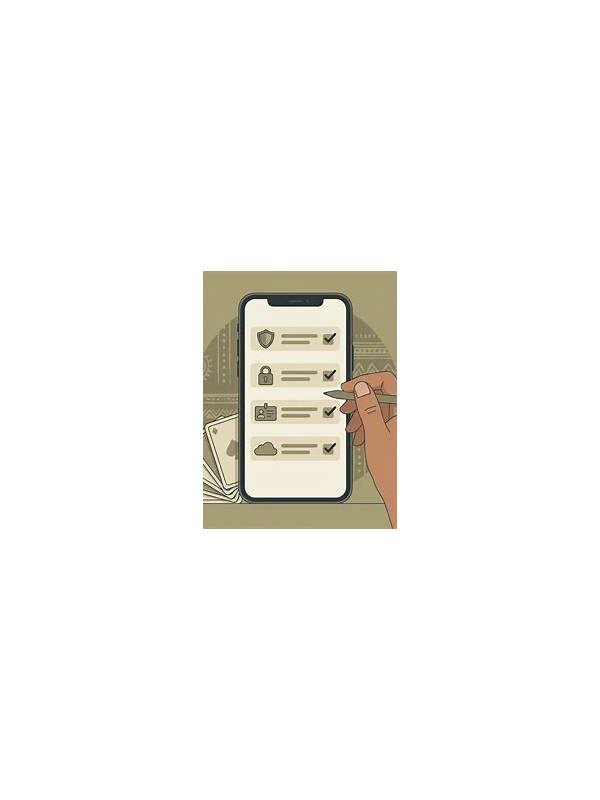
Urgency can make a routine check feel optional. A countdown, a limited-time message, or a warning about a session may encourage quick taps before you understand what is happening. Keeping verification separate from urgency is a useful safety habit for any online rummy service.
First decide what kind of message you are seeing. Is it a game instruction, an account notice, a payment prompt, a promotional claim, or a technical warning? Each category needs a different check. Game instructions should be compared with the table rules. Account and payment messages should be verified through the service’s normal in-app path, not through an unexpected link.
Read the complete wording before acting. Look for eligibility conditions, fees, expiry times, wagering or play requirements, and whether a limit can be changed later. If the message uses vague language such as “instant,” “guaranteed,” or “last chance,” treat that as a reason to slow down rather than evidence that the offer is trustworthy.
Never share a password, one-time code, payment PIN, or full card details in a support chat or reply to an unsolicited message. If support needs account identification, use the minimum information requested through an official channel. Keep screenshots free of unrelated personal data before sending them for troubleshooting.
Verification also applies to technical interruptions. If an app freezes during a hand, do not repeatedly tap buttons or open several payment screens. Wait for the interface to recover, check the session status, and record the time and visible message. A calm sequence creates better evidence and reduces accidental duplicate actions.
Set a personal rule before play: no urgent instruction changes your spending, deposit, or account decision until you have checked its source and terms. If a request cannot be verified, pause the session and use the service’s documented help route. You do not need to resolve an unclear message while emotionally invested in a hand.
This separation is simple but powerful. Urgency describes how fast a message claims you should act; verification determines whether acting is appropriate. Keeping those questions apart protects attention, money, and account information while leaving ordinary recreational play easier to enjoy.
If you share a device with someone else, also check that the account and payment profile are yours before confirming an action. Lock the device when you step away, and sign out where appropriate. These small checks complement message verification by reducing the chance that urgency, a borrowed device, or an autofilled detail causes an unintended transaction.