Safe Rummy Account Habits for Shared Devices
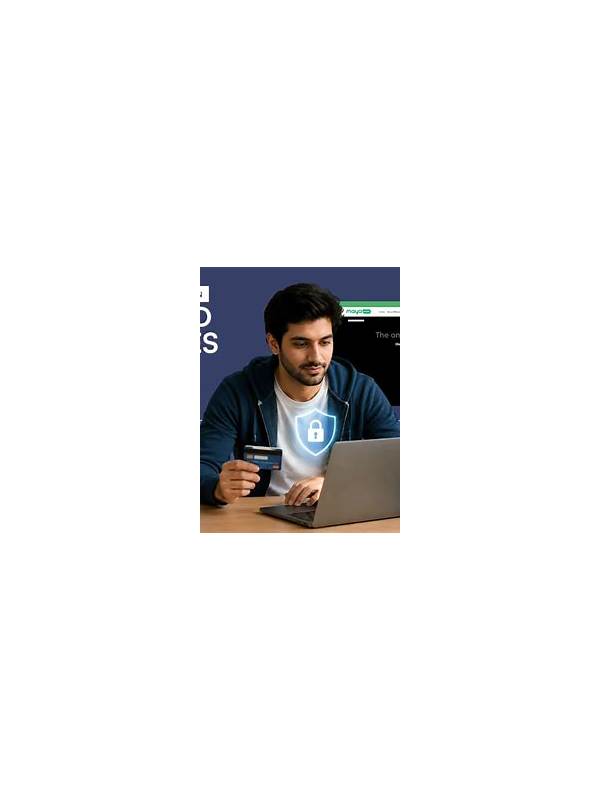
A shared device can make a rummy account harder to protect. Family members, colleagues, or repair staff may use the same browser or phone. A few routine checks reduce the chance of another person opening your account or seeing private activity.
Use a unique password and avoid saving it in a browser profile that other people can access. If the service offers a reputable sign-in verification feature, enable it through the official account settings. Never give a one-time code to another person who claims to be helping. Support staff should not need a private verification code sent to your phone.
After a session, sign out rather than simply closing the app. Check whether the device has stored your session, and remove saved login details from shared profiles. On a phone, use the operating system’s screen lock and keep notifications from displaying sensitive account details on the lock screen.
Be careful with downloads. Do not install an application from a forwarded message or an unfamiliar file-hosting page merely because it promises a bonus or faster access. Confirm the developer, permissions, update history, and official source before installation. If an app requests access that has nothing to do with gameplay or account security, stop and investigate.
Review account activity and payment history regularly. A small unexpected charge or an unfamiliar login is easier to address when noticed quickly. Use official support channels reached from the service’s known website, not a phone number in an unsolicited message. Keep screenshots of relevant notices without exposing passwords or codes.
Finally, separate play time from account maintenance. Make security changes when you are calm and not racing a timer. Shared-device safety is a set of small habits: private credentials, careful installation, deliberate sign-out, and prompt reporting. These habits protect your account whether you play rarely or often.
If another person must use the device for maintenance, sign out first and remove private notifications from view. Afterward, change the password if you are unsure whether the session was exposed. Check the account from a trusted device and review recent activity. Do not let embarrassment delay a report about suspicious access; prompt reporting gives official support more useful information. Security is strongest when the account owner treats ordinary device sharing as a reason for routine care, not as evidence that something has already gone wrong. Use a separate browser or device profile when practical, but do not treat separation as a substitute for signing out. Shared access can also expose screenshots, notifications, and downloaded files. Review those surfaces occasionally. Small privacy checks are worthwhile even when you believe nobody else will use the device.