Rummy Safety: Spot a Misleading Download Button
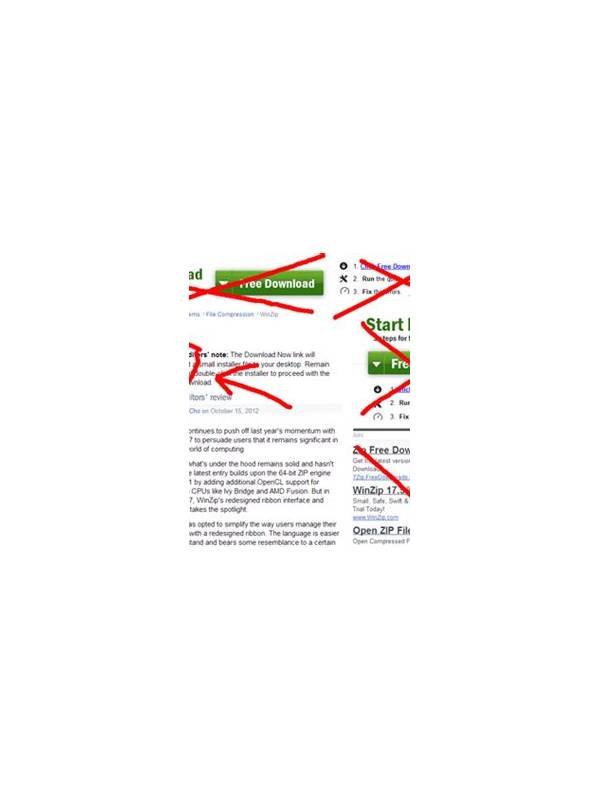
A download button is not proof that a file is trustworthy. Pages can place several buttons together, use urgent language, or make an advertisement look like the main download. A short safety routine helps you pause before a file reaches your device.
Start with the page address. Check the spelling of the domain and look for unexpected redirects. A familiar brand name inside a long or unrelated address deserves caution. Do not assume a lock icon proves that the publisher is legitimate; encryption protects a connection, not the truth of the page’s identity.
Inspect the button’s destination without opening it when your browser allows that. The file type, domain, and wording should make sense together. Be careful with executable packages, archives, or files that ask you to disable security controls. A page that claims you must bypass a warning to continue is giving you a reason to stop.
Before installing, compare the file with an official store listing or a verified publisher source. Check the publisher name, update history, user feedback, and requested permissions. Avoid installing a “special version” sent through an unsolicited message. If a promotion requires a download immediately, urgency itself is a warning sign.
If you already downloaded a suspicious file, do not open it to test it. Delete it through the device’s normal file manager, run the platform’s security scan, and review recent downloads and installed applications. Change credentials only through the service’s official page if you entered them on a questionable site. Never share passwords or one-time codes with a person claiming to help.
Safe play begins before the game screen appears. A reliable source, sensible permissions, and time to verify the file are more valuable than a fast installation. When in doubt, use a trusted store or skip the download.
Keep your device updated and use its built-in security features. Updates close known weaknesses, while a screen lock limits access if the device is lost. Do not install several security tools that conflict or ask for excessive access. If an app behaves unexpectedly, stop using it and seek help through an official support route.
Be equally careful with web forms around the download. A legitimate game page should not need unrelated identity details, banking passwords, or a one-time code merely to show a file. Read the permission prompt when installing and reject access that has no clear connection to the app’s function. If the explanation is vague, leave the process and verify the source independently.