Rummy Safety: Use Privacy Controls on a Shared Device
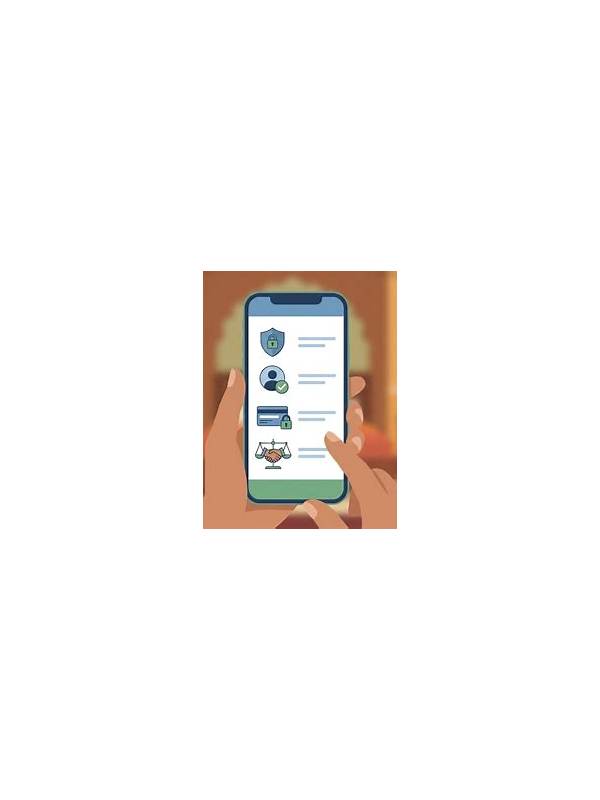
A shared phone or tablet needs extra care when it is used for rummy. Other people may see notifications, saved credentials, browsing history, or account details. A few privacy controls can reduce accidental exposure without making ordinary use difficult.
Begin with notifications. Turn off previews for messages, sign-in alerts, and payment information on the lock screen. If the game shows private account details in notifications, disable those previews too. Use a device passcode that is not shared casually, and enable fingerprint or face protection where appropriate.
Do not save passwords or payment details in a browser that other users can open. Log out after a session, especially before handing over the device. Check that another person cannot reopen the application to your account with one tap. If the device supports separate user profiles, use one rather than relying only on a logout button.
Review permissions and connected accounts periodically. Remove access that is no longer needed, and avoid granting a game access to contacts or messages without a clear reason. Keep the operating system updated, and do not install a second application offered by an unknown message simply because it promises a bonus.
Privacy also includes conversations. Avoid typing identity numbers, passwords, or one-time codes into a public chat. Support should not require secrets that grant account control. If you notice unfamiliar activity, change the password from a trusted device and contact the verified provider.
Shared devices can be convenient and safe when account boundaries are deliberate. A short logout and notification check is a useful final move after every session.
Before lending the device, close open tabs and remove the game from recent apps if it contains private information. Check cloud file-sharing settings too. If the device is lost, sign out remotely when possible, change credentials from a trusted device, and notify the verified service if a payment account may be exposed.
Review privacy after application updates because settings can change. Confirm that biometric login, notification previews, and connected accounts still match your preference. Do not let convenience turn into permanent access for another device user. These checks are especially important when the device also contains work files or identity documents.
Review privacy after application updates because settings can change. Confirm that biometric login, notification previews, and connected accounts still match your preference. Do not let convenience turn into permanent access for another device user. These checks are especially important when the device also contains work files or identity documents.